In my last article, I talked about why I stopped relying on autonomous AI agent loops in my production workflows. The endless loops, sky-high token bills, and unpredictable outputs just weren’t cutting it for me. But I didn’t abandon AI altogether—I just restricted it. Today, I use single-task AI executions locked inside rigid, rule-based pipelines.
Here is the exact step-by-step setup I use to build a Deterministic Webhook-to-AI Pipeline using n8n and the Google Gemini API.
My Pipeline Architecture
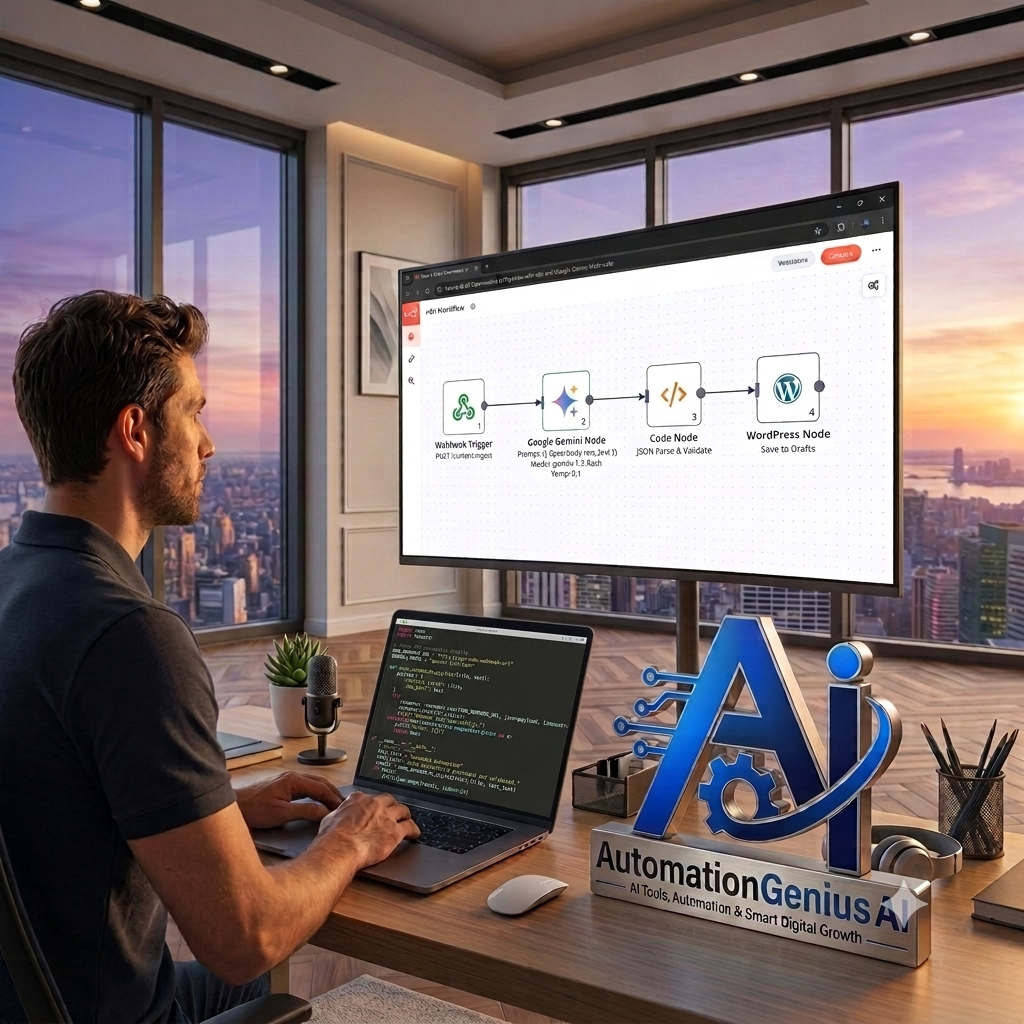
Instead of giving an AI agent freedom to decide what tools to run, I force my workflow down a strict, linear path:
| 1. Webhook Trigger (Incoming POST Payload) | ──► | 2. Google Gemini (Single-Task Execution) | ──► | 3. WordPress REST (Saved as Draft) |
This strict layout guarantees three things for my site:
- The trigger executes only when a specific event happens (like an RSS feed update or form submission).
- Gemini receives a tightly constrained prompt and returns clean, structured JSON.
- The output is pushed safely into my WordPress draft queue so I can quickly review it before hit publishing.
Step 1: How I Set Up the Webhook Trigger in n8n
First, I open my n8n canvas and drop in a Webhook node to act as my starting point.
- I set the HTTP Method to POST.
- I set the Path to content-ingest.
- I keep the Response Mode set to When Last Node Finishes (or Immediate 200 OK if I want fast asynchronous background processing).
- I grab the Test URL generated by n8n.
To make sure my pipeline works, I send a sample JSON POST payload to my test URL using Postman:
Step 2: How I Configure My Google Gemini node
Next, I connect Gemini to handle the actual text generation.
- I add my API key from Google AI Studio under my n8n credentials.
- I attach the Google Gemini node right after my Webhook trigger.
- I select gemini-1.5-flash when I need high-speed processing, or gemini-1.5-pro when I need heavier reasoning.
- I write my prompt using n8n expressions so my incoming payload data feeds directly into the model:
My Personal Rule: I always set the Temperature parameter to 0.1 or 0.0. This locks down creativity, keeps the model focused, and forces deterministic outputs.
Step 3: Parsing and Validating the Output
I never trust raw LLM output to feed directly into my production database without validation. To keep my site safe from malformed code, I place a Code node (JavaScript) immediately after Gemini:
I also use an If / Switch node right after this step to confirm that all required JSON keys exist before anything hits my draft queue.
Step 4: Routing Saved Content Directly to WordPress
Finally, I push the structured data into my site.
- I attach the native WordPress node.
- I map the dynamic payload data straight into my post fields:
- Title: {{ $(‘Webhook’).item.json.body.article_title }}
- Content: The bulleted takeaway list generated by Gemini.
- Status: draft
- I hit save and turn the workflow on.
Now, whenever my webhook gets triggered, my n8n workflow ingests the data, calls Gemini, validates the JSON format, and creates a clean draft inside my WordPress admin panel in less than two seconds.
How I Protect My Workflow in Production
To keep this pipeline bulletproof, I rely on three specific failsafes:
- Instant Error Notifications: I attach an Error Trigger node in n8n. If Gemini hits a rate limit or drops offline, I get an immediate alert sent to my inbox or Slack.
- Automatic Retries: Inside my Gemini node, I enable Retry on Fail (set to 2 attempts with a 1000ms delay) to handle temporary network glitches without breaking the run.
- Header Verification: I add secret security tokens to my Webhook headers so only my authorized apps can trigger the pipeline.
By anchoring AI tasks inside a deterministic n8n pipeline, I keep my hosting costs low, maintain complete control over my content quality, and never worry about rogue AI loops breaking my site.